
Summaries built for HN.Follow the conversation.
A browser extension to read Hacker News faster with context-aware AI summaries that highlight key debates and contrasting viewpoints. Jump straight to relevant comments. Fly through threads with keyboard shortcuts.
 Download for Chrome
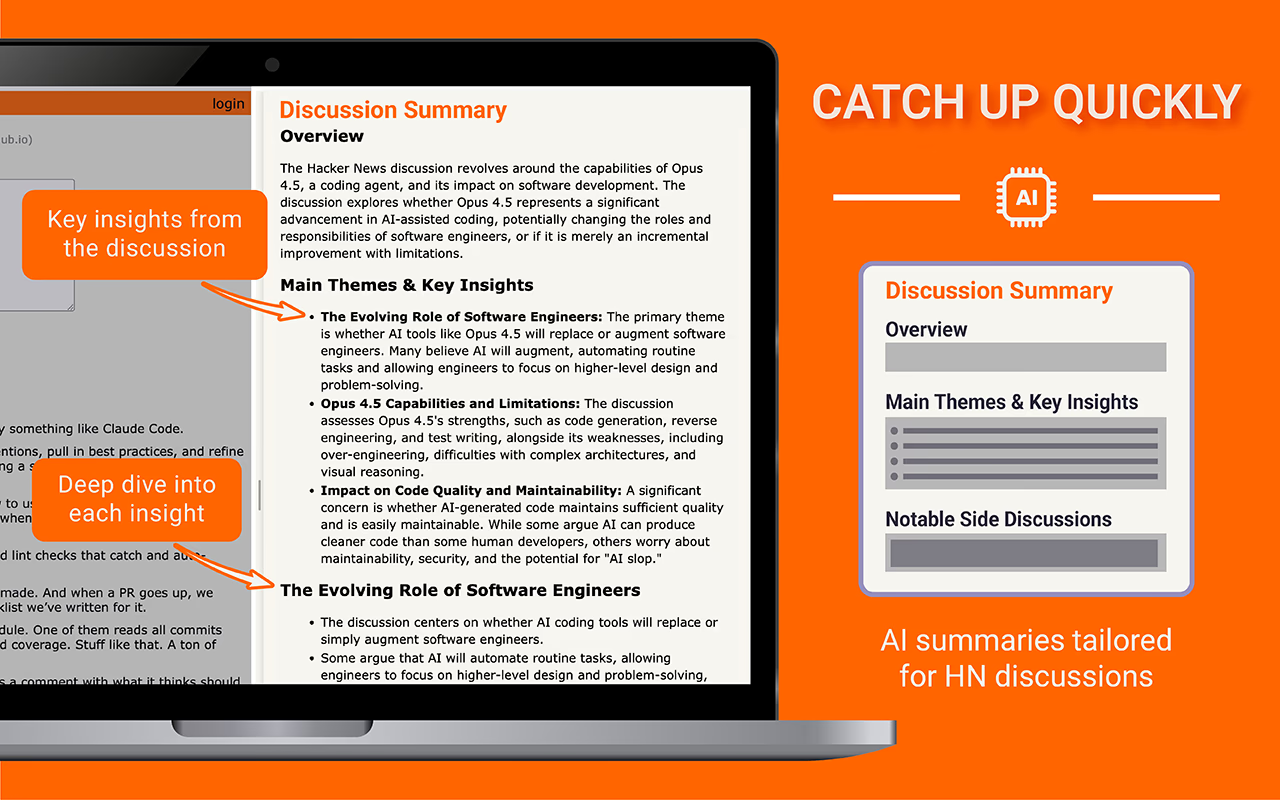
Summaries Built for HN
Get the gist of long discussions with HN-aware AI summaries
- Understands thread hierarchy and conversation flow
- Highlights important debates and contrasting viewpoints
- Captures key perspectives and notable side discussions
- Surfaces what the community values most
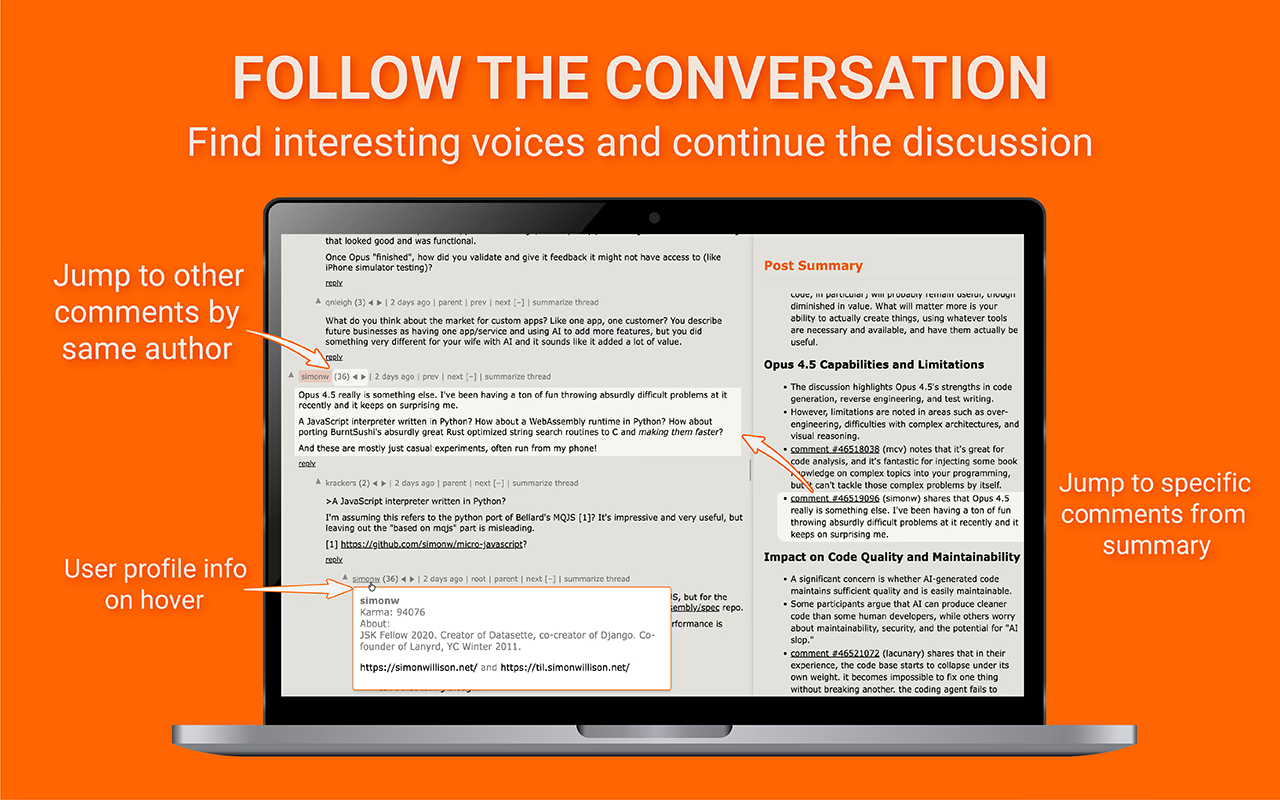
Follow the Conversation
Find interesting topics and continue the discussion
- Jump to specific comments from summary
- Navigate to other comments by same author
- User profile info on hover
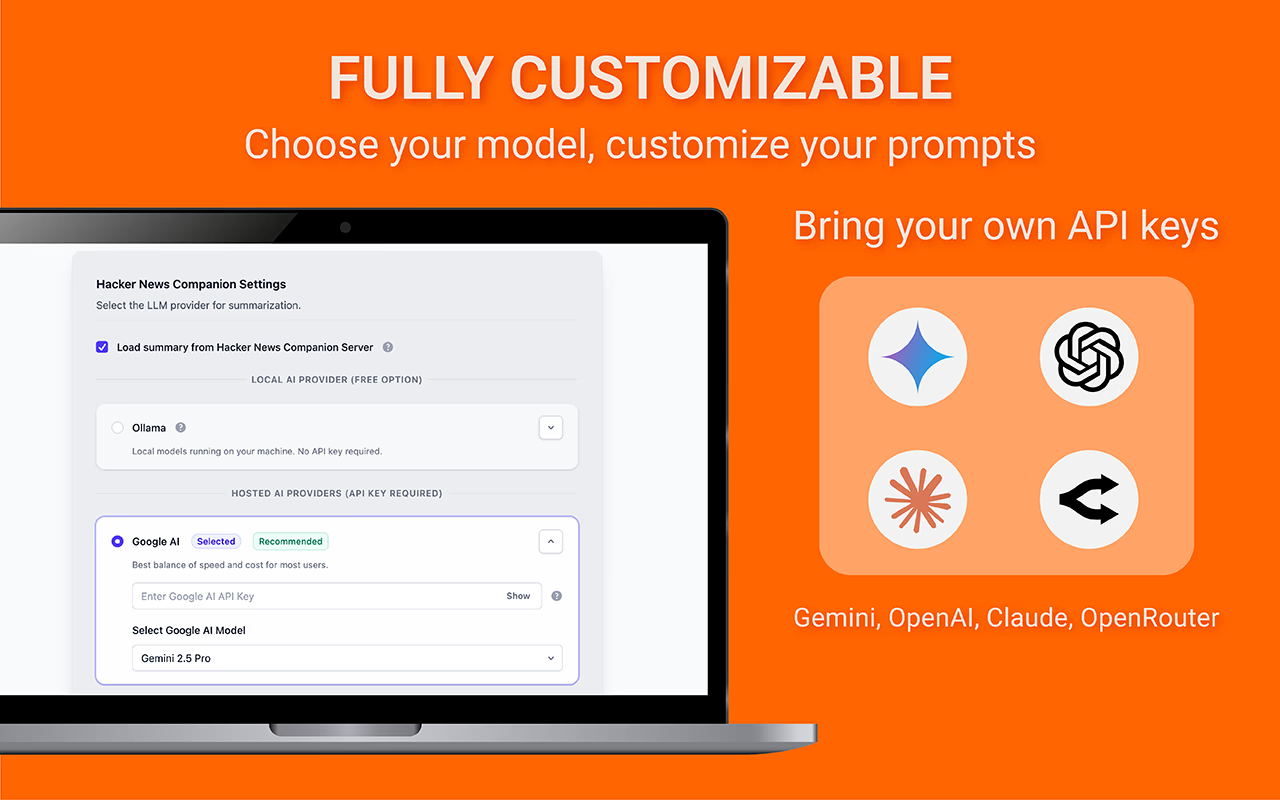
Fully Customizable
Choose your model, customize your prompts
- Bring your own API key (OpenAI, Anthropic, Google, OpenRouter)
- Or use free cached summaries
- Customize system & user prompts
Works with




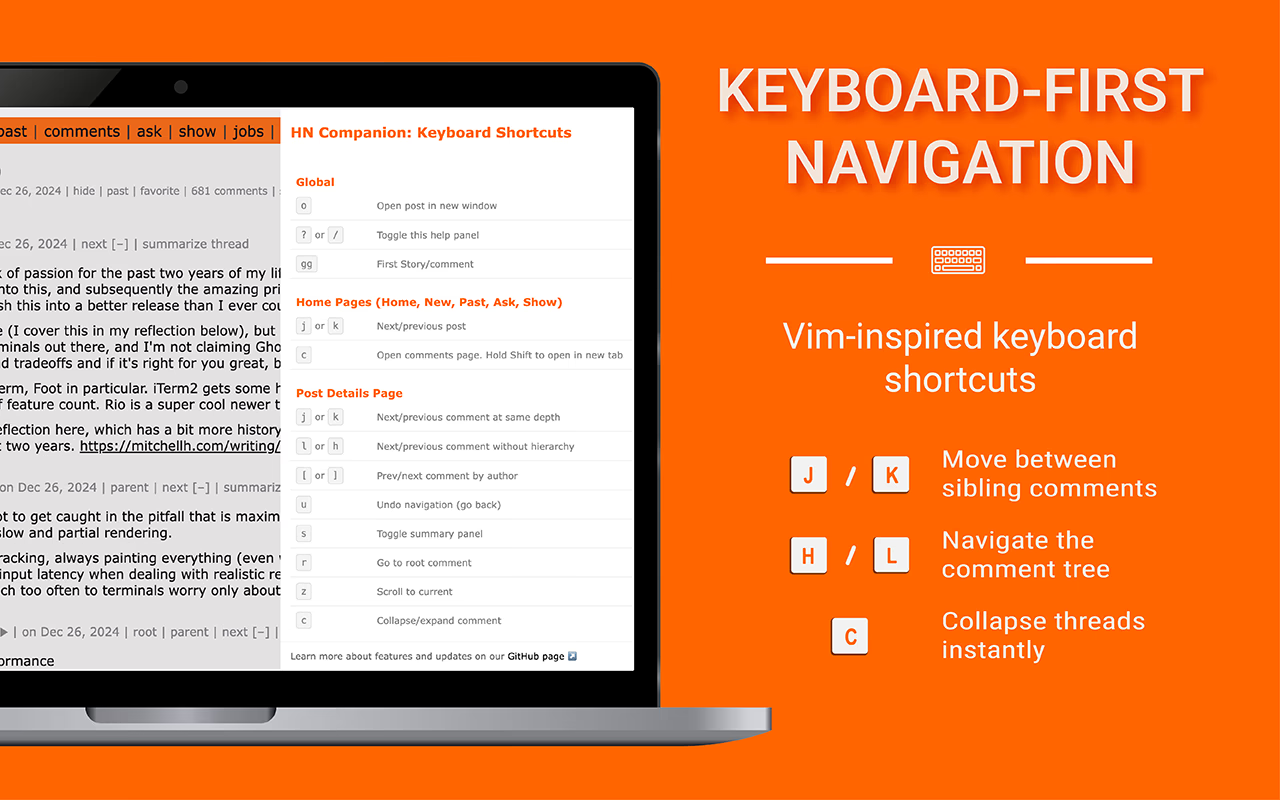
Keyboard-First Navigation
Vim-inspired keyboard shortcuts
- j/k to move between sibling comments
- h/l to navigate the comment tree
- c to collapse threads instantly


See How It Works
Watch a quick demo or see what it looks like in action
Frequently Asked Questions
Everything you need to know about HN Companion
HN Companion adds a summary panel directly on Hacker News. You can summarize comment threads with a single click, then read a short, focused overview before you dive in.
Unlike generic summarizers, HN Companion preserves the hierarchical structure of conversations. It tracks parent-child relationships between comments, captures diverse viewpoints, and identifies where discussions shift to new topics. This means summaries reflect how HN discussions actually work — with context preserved and side discussions surfaced. Learn more about how it works.
We officially support Chrome, Firefox, and Edge. The extension is also compatible with other Chromium-based browsers like Brave, Arc, and Vivaldi.
Yes! HN Companion is completely free and open source. You can use the free cached summaries, or bring your own API key for more control over the AI model used.
To save you money on API costs, we pre-generate and cache summaries for popular discussions on our servers. If a cached summary exists for a thread, you'll get it instantly for free. If not, you can generate a fresh summary using your own API key.
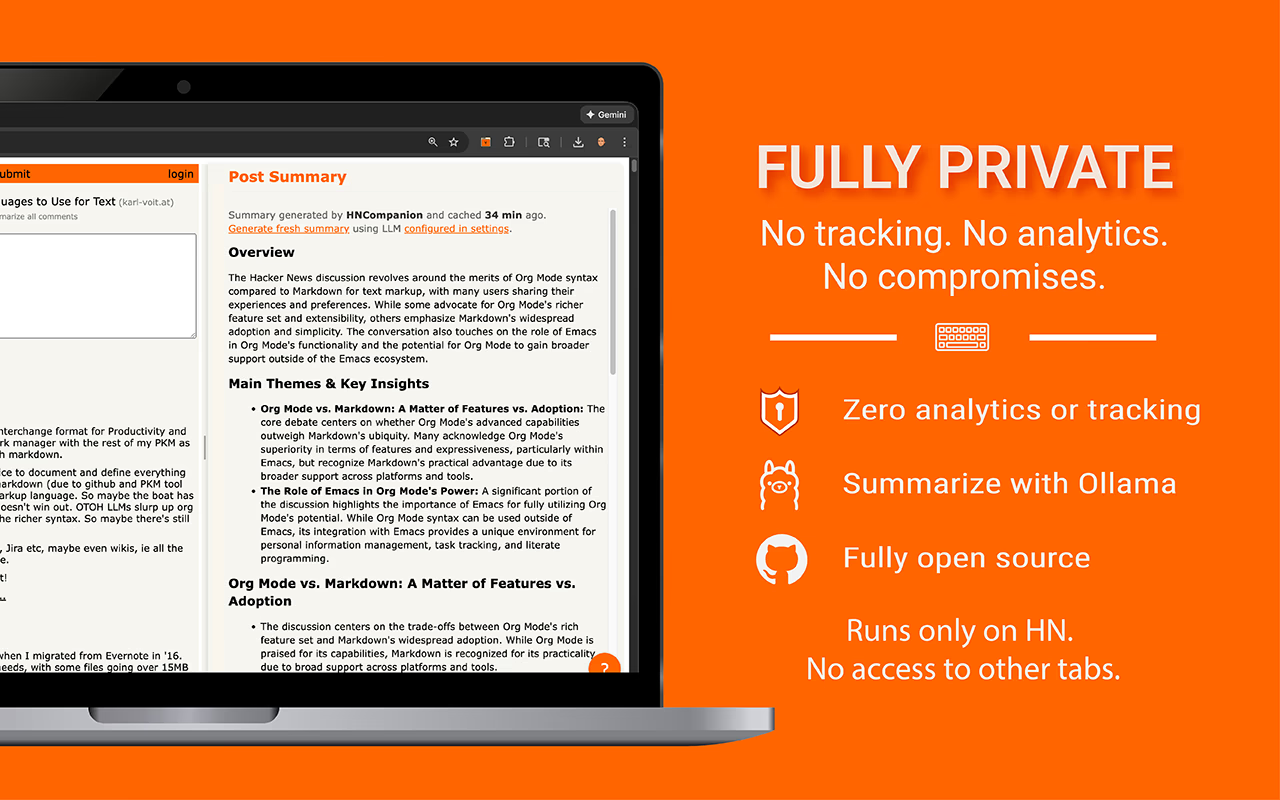
HN Companion only runs on Hacker News pages and stores your settings locally. It does not send any browsing data or API keys to our servers.
No problem. You can use the web app instead at app.hncompanion.com, or use the bookmarklet.
No. HN Companion has zero analytics or tracking. Your API keys are stored locally in your browser and never sent to any server. You can even run summaries completely locally using Ollama. Learn more in our Privacy Policy.
HN Companion supports OpenAI (GPT-4, GPT-3.5), Anthropic (Claude), Google (Gemini), OpenRouter, and local models via Ollama. You can also use the free cached summaries without any API key.
HN Companion adds Vim-inspired keyboard navigation to Hacker News. Use j/k to move between sibling comments, h/l to navigate the comment tree, and c to collapse threads. Press ? to see all available shortcuts.
Yes, HN Companion is fully open source under the MIT license. You can view the source code, contribute, or fork the project on GitHub.
Get HN Companion for your browser
Available on all major browsers


Prefer no install? Try the web app or use the bookmarklet.